
Many people use laptops every day. Sometimes, the laptop lid becomes hard to open or close. It feels sticky or stiff. This problem usually comes from the laptop’s hinges. Hinges are the parts that connect the screen to the keyboard. When they get dirty or dry, they stop working well.
In this article, you will learn how to fix a sticky laptop lid. You will see how to clean and lubricate the hinges safely. The steps are simple and easy to follow. You don’t need to be a technician to do this. Just be careful and patient.
Why Does a Laptop Lid Get Sticky?
A laptop lid can get sticky for many reasons. Here are the most common ones:
- Dust and dirt: Dust can build up in the hinge area. This can make the hinges sticky.
- Old grease: Hinges have grease inside. Over time, this grease can dry up or get dirty.
- Rust or corrosion: If the laptop is kept in a wet place, the metal parts can rust.
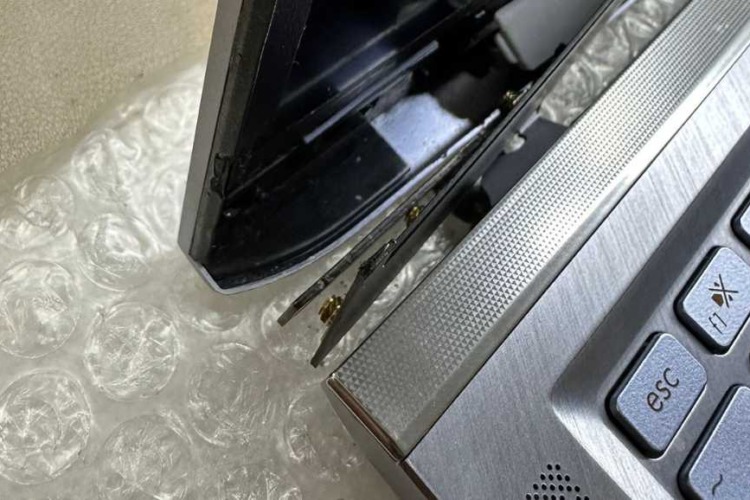
- Physical damage: Dropping a laptop or using force can damage hinges.
When the hinge is sticky, opening and closing the laptop can be hard. If you keep forcing it, the hinges can break. That can cause more problems inside your laptop.

Credit: business.walmart.com
What Do You Need to Fix a Sticky Laptop Lid?
Before you start, gather these tools and materials. They will help you fix the hinges safely:
- Soft cloth or microfiber cloth
- Isopropyl alcohol (at least 70% pure)
- Small brush (like a toothbrush or paintbrush)
- Compressed air can
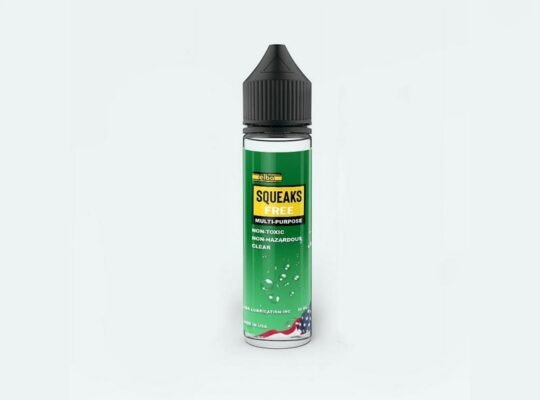
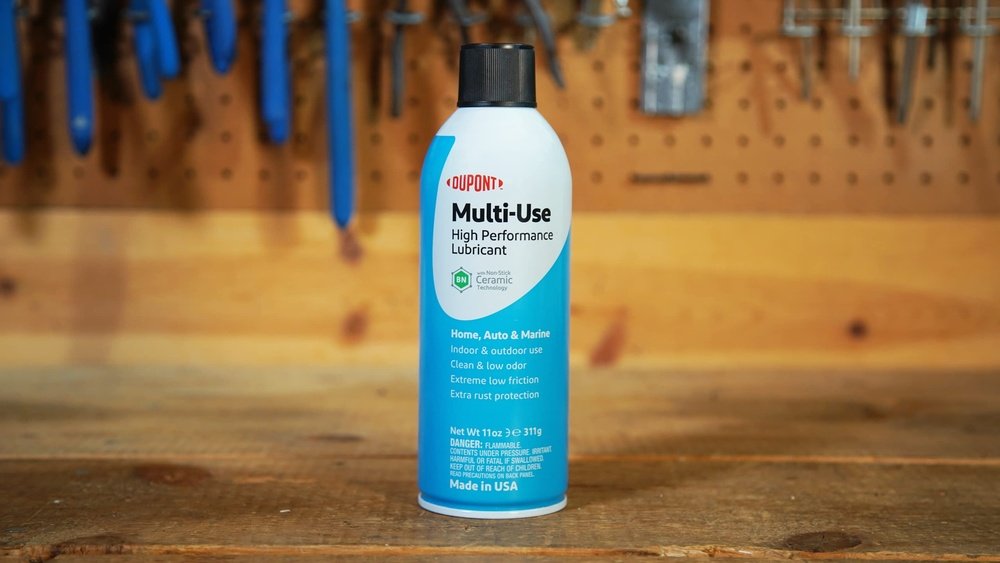
- Silicone grease or light machine oil (safe for electronics)
- Small screwdriver (if you need to open the laptop)
- Tissues or paper towels
- Plastic opening tools (optional)
Credit: budgetpcupgraderepair.com
Step 1: Turn Off and Unplug Your Laptop
First, turn off your laptop. Remove the power cable. If your laptop has a removable battery, take it out too. This step is very important. It keeps you safe and protects your laptop from damage.
Step 2: Clean the Outside of the Hinges
Use a soft cloth to wipe the hinge area. This removes dust and dirt on the surface. You can also use compressed air to blow out dust from small spaces. Be gentle. Do not push hard into the hinges.
Step 3: Clean the Hinges with Isopropyl Alcohol
Take a small brush and dip it in isopropyl alcohol. Use the brush to clean the hinge area carefully. Alcohol helps remove old grease and sticky dirt. Do not pour alcohol directly on the laptop. Use the brush or cloth to apply it.
Let the alcohol dry for a few minutes. It will evaporate quickly and not harm your laptop.
Step 4: Open the Laptop Lid Slowly
After cleaning, try to open and close the lid slowly. This helps remove dirt inside the hinges. If the lid still feels sticky, you may need to open the laptop case to reach the hinges better.
Warning:
If you are not comfortable opening your laptop, ask a professional. Opening the laptop can void the warranty or cause damage if done wrong.
Step 5: Open the Laptop Case (Optional)
If the hinges still feel sticky, open the laptop case. Use a small screwdriver to remove screws on the bottom. Keep the screws safe. Carefully lift the case using plastic opening tools or your fingers.
Find the hinges inside. Be gentle to avoid breaking cables or parts. Use the brush and alcohol to clean inside the hinges.
Step 6: Lubricate the Hinges
After cleaning, it is time to lubricate the hinges. Use silicone grease or light machine oil. These lubricants are safe for laptops. Do not use thick oil or WD-40. They can damage the plastic or circuits.
Put a small amount of grease on a cotton swab or cloth. Apply it to the hinge joints carefully. Move the lid slowly back and forth. This helps spread the grease inside the hinges.
Wipe off any extra grease with a clean cloth. Too much grease can attract dust.
Step 7: Reassemble the Laptop
If you opened the laptop case, put it back carefully. Screw all screws tightly but do not force them. Make sure the lid moves smoothly. If it still feels sticky, repeat the cleaning and lubricating steps.
Tips to Keep Your Laptop Hinges Working Well
Here are some easy tips to keep your laptop hinges smooth:
- Clean your laptop regularly with a soft cloth.
- Use compressed air to remove dust from hinges.
- Open and close the lid gently.
- Avoid keeping your laptop in dusty or wet places.
- Lubricate hinges once a year or when needed.
Why Should You Fix a Sticky Laptop Lid?
Fixing a sticky lid is important. A broken hinge can cause more damage. Inside the hinges, there are cables for the screen, webcam, and Wi-Fi. If the hinge breaks, these cables can tear. That means your laptop screen or other parts may stop working.
Also, a sticky lid can make your laptop hard to use. It can break suddenly, causing injury or damage. Fixing the hinges helps your laptop last longer and work better.
Signs Your Laptop Hinge Needs Fixing
Look for these signs to know if your hinge needs fixing:
- Hard to open or close the lid.
- Lid feels loose or wobbly.
- You hear a squeaking or grinding noise.
- Cracks or damage near the hinge area.
When to See a Professional
Sometimes, the problem is too big to fix at home. See a professional if:
- The hinge is broken or cracked.
- You cannot open the laptop case safely.
- The laptop screen or parts are not working.
- You feel unsure about the fixing process.
Summary
A sticky laptop lid is a common problem. It often comes from dirty or dry hinges. You can fix it by cleaning and lubricating the hinges. Use isopropyl alcohol to clean the hinges safely. Use silicone grease to lubricate them. Always be gentle and careful. If you need, open the laptop case to clean inside the hinges. But do this only if you are confident.
Fixing the hinges helps your laptop last longer. It also keeps the screen and other parts safe. Clean your laptop regularly to prevent the problem. If the hinges are broken, see a professional for help.
Remember, a smooth laptop lid makes using your computer easy and safe.
Frequently Asked Questions
How To Lubricate Laptop Hinges?
Turn off and unplug your laptop. Remove screws to access hinges carefully. Clean hinges with isopropyl alcohol. Apply a small amount of silicone grease or sewing machine oil. Open and close the lid several times to spread lubricant evenly. Wipe off excess lubricant to avoid dust buildup.
How To Fix Sticky Plastic On Laptop?
Clean sticky plastic on a laptop using isopropyl alcohol and a soft cloth. Avoid harsh chemicals. Gently rub the area to remove residue. Let it dry fully before use. For hinges, apply silicone grease to lubricate and ease movement.
Is It Worth Fixing A Laptop Hinge?
Fixing a laptop hinge prevents further damage to cables and screen. It extends laptop life and improves usability. Repair is worth it if cost is reasonable.
How To Clean The Hinge Of A Laptop?
Turn off and unplug your laptop. Use compressed air or a soft brush to remove dust from hinges. Apply a small amount of silicone grease or sewing machine oil. Open and close the lid several times to spread lubricant evenly.
Wipe excess lubricant with a clean cloth.