Is your laptop charger getting very hot? This can be a serious problem. A hot charger is not only annoying. It can also be dangerous. You need to know why it gets hot and how to fix it safely.
Why Does My Laptop Charger Get Hot?
Some heat is normal when charging. But if the charger feels too hot, it means something is wrong. Here are some common reasons:
- Old or damaged charger: The charger may wear out over time.
- Wrong charger: Using a charger not made for your laptop can cause overheating.
- Blocked ventilation: If the charger is covered or in a tight space, heat builds up.
- Power surges: Sudden changes in electricity can make the charger hot.
- Faulty internal parts: Inside the charger, parts may break or wear down.
Why Is It Dangerous When the Charger Is Too Hot?
A very hot charger can cause many problems. These include:
- Fire hazard: The charger can catch fire if too hot.
- Device damage: Overheating can harm your laptop battery and circuits.
- Electric shock: Heat can break the charger’s insulation, exposing wires.
- Battery damage: Your laptop battery may swell or leak chemicals.
You should never ignore a charger that gets extremely hot.

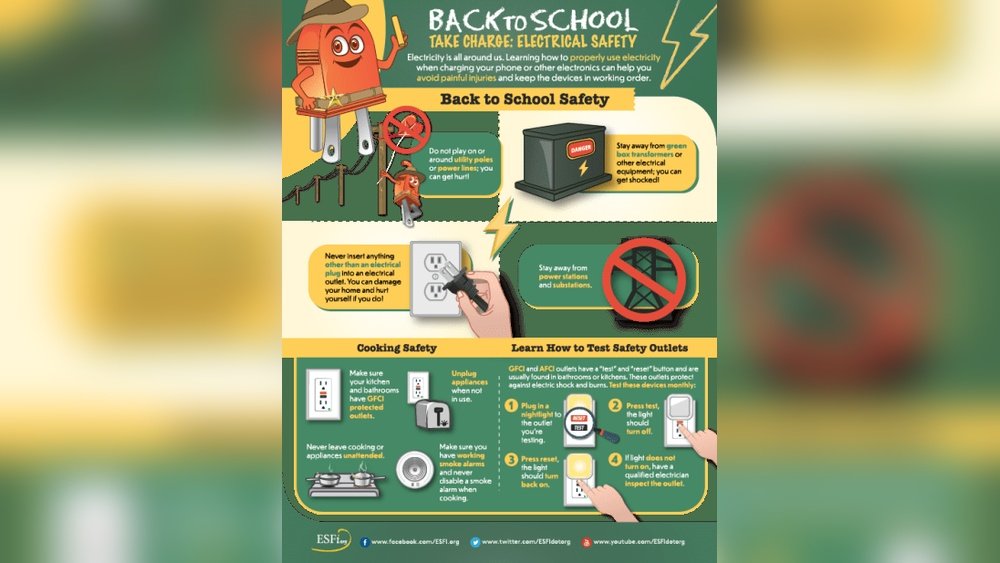
Credit: plymouthfire.org
Safety Precautions: What to Do If Your Charger Is Hot
If your charger feels too hot, follow these safety steps immediately:
- Unplug the charger: Disconnect it from the power socket and your laptop.
- Let it cool down: Place the charger on a flat, hard surface. Let it rest for a while.
- Check for damage: Look for melted plastic, burnt smell, or frayed wires.
- Do not use if damaged: If you see any damage, stop using the charger immediately.
How to Fix a Laptop Charger That Gets Extremely Hot
Sometimes, you can fix a hot charger at home. Other times, you need to replace it. Here are some easy steps to try:
1. Use The Right Charger
Make sure your charger matches your laptop’s model. Using the wrong charger can cause overheating. Check the voltage and wattage on the charger label. It should match your laptop’s needs.
2. Keep The Charger In A Cool Place
Never put the charger on soft surfaces like beds or couches. These block air flow. Use a hard surface like a table or floor. Keep the charger away from sunlight or heat sources.
3. Avoid Covering The Charger
Charging creates heat. Covering the charger traps heat inside. This makes it hotter. Always leave space around the charger for air to flow.
4. Check The Cable And Plug
Look for bent or broken cables. Damaged wires cause short circuits and heat. If the cable is broken, replace it. Do not try to fix it with tape.
5. Clean The Charger
Dust and dirt can build up on the charger. This blocks ventilation holes. Use a dry cloth to clean your charger. Make sure it is unplugged before cleaning.
6. Avoid Using The Charger For Too Long
Charging your laptop all day can make the charger hot. Give it breaks. Unplug the charger sometimes to cool down.
7. Use A Surge Protector
Power surges can cause the charger to overheat. Use a surge protector to protect your charger and laptop. This device stops dangerous electricity changes.
When to Replace Your Laptop Charger
If your charger still gets hot after trying these fixes, it’s time to replace it. Here are signs you need a new charger:
| Signs | What It Means |
|---|---|
| Charger feels very hot to touch | Dangerous overheating |
| Burning smell or melted plastic | Serious damage inside charger |
| Frayed or broken cables | Risk of electric shock |
| Charger sparks or makes buzzing sounds | Internal fault |
| Laptop does not charge properly | Charger may be failing |
Do not use a damaged or very hot charger. Buy a new one from a trusted brand. Choose chargers made for your laptop model.
Tips to Prevent Charger Overheating
Follow these simple tips to keep your charger cool and safe:
- Use original or certified chargers: Cheap chargers may overheat.
- Charge in a ventilated area: Avoid soft and warm places.
- Disconnect when fully charged: Avoid charging all night.
- Keep cables untangled: Twisted wires heat up faster.
- Do not use damaged cables or plugs: Replace them immediately.
- Keep chargers away from heat sources: Avoid sunlight and heaters.
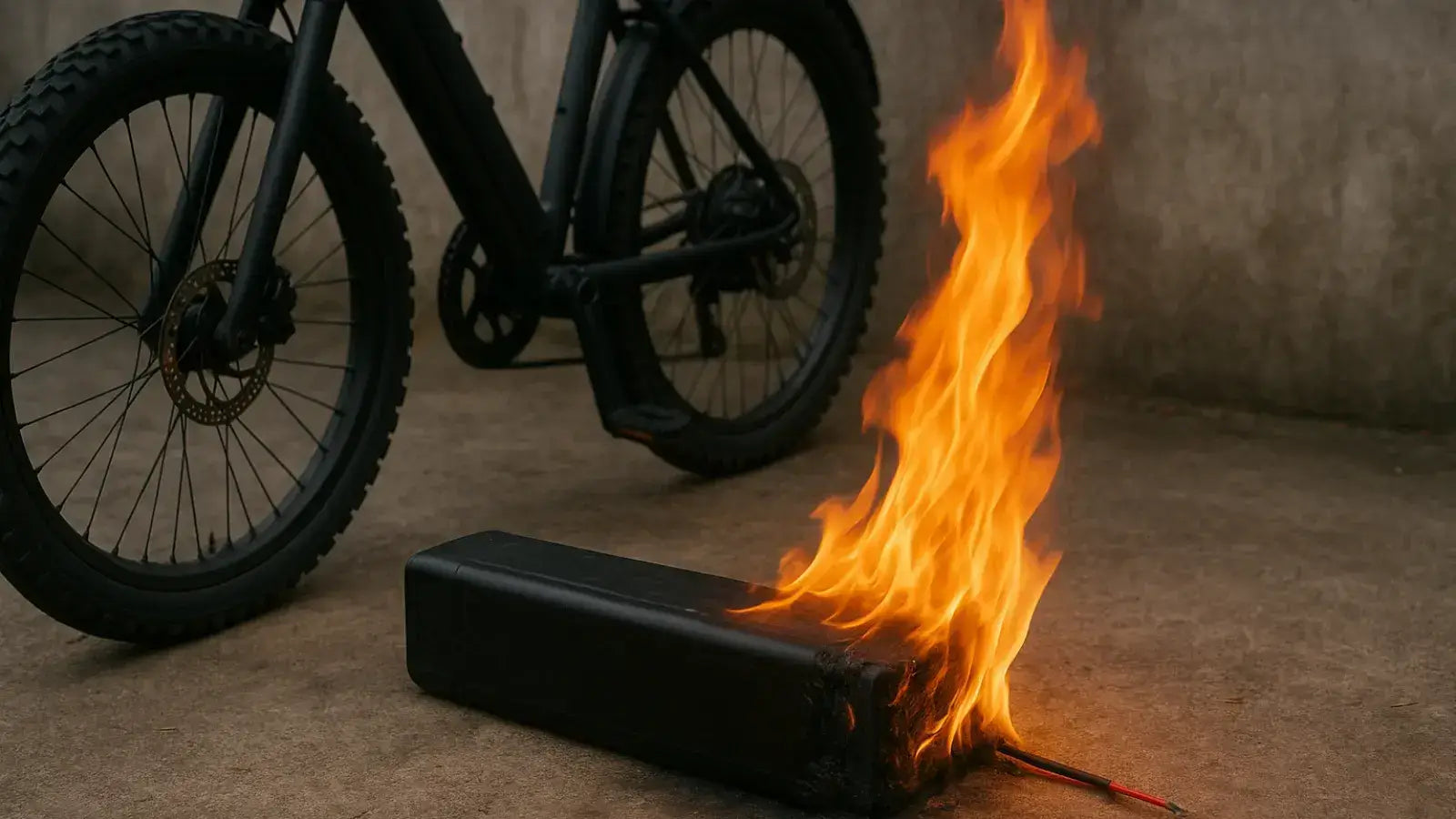
Credit: leoguarbikes.com
Summary
A laptop charger that gets too hot can cause fire and damage your laptop. Always pay attention to how hot your charger feels. Use the right charger and keep it cool. Unplug it if it is very hot. Check for damage and clean it regularly.
If you see signs of damage or burning, replace the charger. Use good quality chargers only. Follow safety tips to prevent overheating. This keeps you and your laptop safe.
Remember, safety comes first. Do not ignore a hot laptop charger.
Frequently Asked Questions
What Happens If My Laptop Charger Gets Too Hot?
A laptop charger that gets too hot risks fire, device damage, and electric shock. Unplug it immediately, let it cool, and inspect for damage. Replace the charger if overheating persists to ensure safety and protect your laptop.
How To Fix An Overheated Charger?
Unplug the charger immediately and let it cool in a ventilated area. Inspect for damage or melting. Replace with a high-quality, compatible charger. Avoid covering it or charging on soft surfaces. Ensure proper ventilation and use certified accessories to prevent overheating.
Is It Bad If My Charging Cable Gets Hot?
A charging cable getting hot can signal safety risks like fire or device damage. Unplug it immediately if too hot. Inspect for damage and replace with a quality charger. Avoid covering or using incompatible chargers to prevent overheating and hazards.
How To Fix Laptop Overheating When Charging?
Ensure proper ventilation by charging on hard surfaces, not soft ones. Use original or certified chargers only. Unplug if overheating occurs, then inspect and replace damaged cables. Keep the laptop cool by avoiding direct sunlight and excessive multitasking during charging.
Regularly clean vents to prevent dust buildup.