You’ve spent countless hours working on your university projects. Losing all that hard work because of a computer crash or accidental deletion would be a nightmare.
That’s why having a reliable external hard drive to back up your files is not just a good idea—it’s essential. But with so many options out there, how do you choose the best one for your needs? You’ll discover the top external hard drives designed to keep your projects safe, accessible, and organized.
Keep reading to find the perfect backup solution that fits your budget and study routine.
Why External Drives Matter
External hard drives are essential for every university student. They offer a simple way to keep important project files safe and organized. These devices make it easy to back up work and prevent data loss. Students can avoid stress by using reliable storage outside their computers.
Choosing the right external drive helps meet different needs. Speed, size, and ease of use all matter. Portable drives fit student lifestyles well. The right device keeps projects secure and accessible anytime.
Protecting Your Data
University projects often take many hours to complete. Losing files can cause serious problems. External hard drives provide a secure backup option. They protect data from accidental deletion or computer failure. Keeping copies on an external drive reduces risk. Students can restore files quickly and continue working without delay.
Speed And Performance Needs
Fast data transfer saves time during backups. Some external drives use USB 3.0 or newer ports for quicker speeds. This means files move faster between devices. High performance is important when handling large projects. A slow drive can waste valuable study time. Choosing one with good speed helps keep productivity high.
Portability For Students
Students move often between classes and libraries. A compact external drive fits easily into backpacks or bags. Lightweight models are convenient for daily use. Portability allows easy access to projects anywhere. Students can work on assignments at home or school. This flexibility supports better time management and study habits.
Key Features To Look For
Choosing the right external hard drive for university projects is important. The right features help keep data safe and easy to access. Some features matter more than others for students. Focus on these key points to find the best fit for your needs.
Storage Capacity Options
Storage size depends on project types and file sizes. Small drives suit basic documents and presentations. Larger drives fit videos, images, and complex files. Consider drives from 500GB to 2TB for most students. More space means room for future projects too.
Transfer Speeds
Fast data transfer saves time during backups. USB 3.0 or USB-C ports offer quicker speeds than USB 2.0. SSD drives provide faster read and write speeds than HDDs. Choose a drive with good speed to avoid long waits.
Durability And Build Quality
Hard drives should withstand daily use and transport. Look for shock-resistant and water-resistant models. Solid casing protects against drops and bumps. A durable drive lasts through the busy university life.
Compatibility With Devices
Check if the drive works with your computer or laptop. Most drives support Windows and Mac systems. Some offer plug-and-play without extra software. Compatibility ensures easy setup and use on all devices.
Top External Hard Drives
Choosing the right external hard drive is key to protecting your university projects. A reliable drive keeps your work safe and easy to access. Not all drives are the same. Some focus on speed, others on size or price. This guide helps you find the best external hard drive for your needs.
Best Overall Performance
For fast data transfer and strong build quality, SSDs lead the pack. They offer quick file access and lower risk of damage from drops. Many models support USB 3.1 or Thunderbolt for faster speeds. These drives suit students who save large files and want quick backups. They last longer and work quietly during use.
Best Budget-friendly Options
Students on a budget can find reliable HDDs at low prices. These drives offer large storage for documents, photos, and videos. While slower than SSDs, they provide good value for money. Many come with simple plug-and-play features. Ideal for those who prioritize storage size over speed.
Best For Portability
Small and lightweight drives are great for students on the move. These compact drives fit easily in backpacks or pockets. They often use SSD technology for durability and speed. Some models have rugged cases to protect against drops and spills. Perfect for carrying between classes or libraries.
Best High-capacity Drives
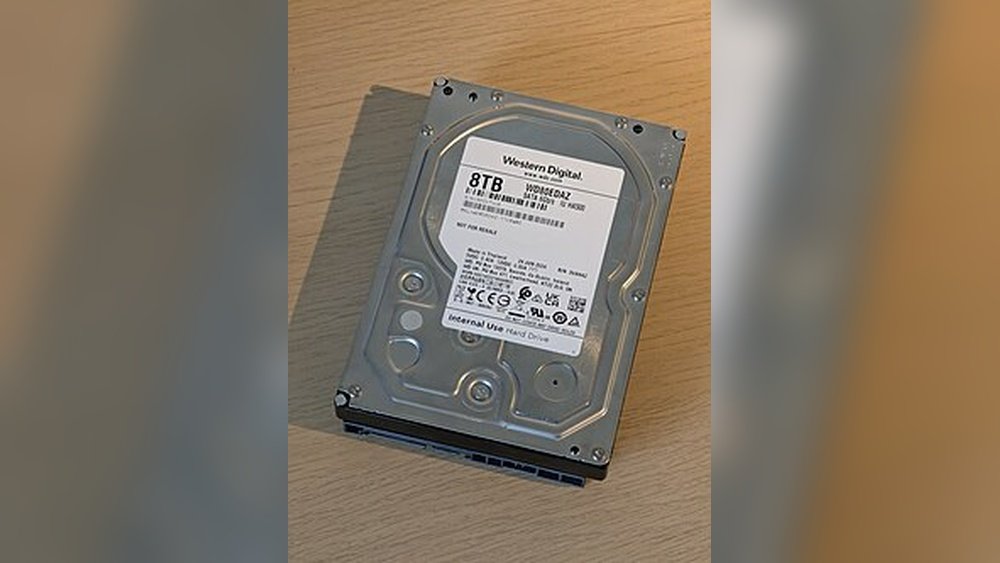
Students with many large files need drives with extra space. High-capacity drives offer 4TB or more of storage. They help store videos, research data, and backups without worry. These drives may be larger but deliver excellent value. Great for long-term storage and heavy users.

Credit: en.wikipedia.org
Ssd Vs Hdd For Backups
Choosing the right external hard drive for backing up university projects is important. Two main types exist: SSD and HDD. Each has different features that affect backup speed, cost, and reliability.
This section explains the differences between SSD and HDD. It helps you decide which drive suits your backup needs best.
Speed Differences
SSDs are much faster than HDDs. They use flash memory to read and write data quickly. This means you can save or access your projects faster. HDDs have spinning disks, which slows down data transfer. For large files or many projects, SSDs save time.
Cost Considerations
HDDs usually cost less than SSDs. You get more storage space for less money. SSDs are more expensive but offer faster speeds. Students on a budget might prefer HDDs for large backups. SSDs suit those who want speed and can spend more.
Reliability And Lifespan
SSDs have no moving parts, so they resist drops and shocks better. This adds to their reliability. HDDs have mechanical parts that can wear out over time. Both drives last long with proper care. For safe backup, choose a reliable brand and handle the drive carefully.
Tips For Managing Backups
Managing backups well keeps your university projects safe. Good backup habits save time and prevent data loss. Follow these tips to keep your files organized and protected.
Organizing Your Files
Start by sorting your files into clear folders. Use project names and dates for easy searching. Avoid mixing files from different subjects in one folder. Keep backup drives tidy to find files fast.
Scheduling Regular Backups
Set a fixed time to back up your work. Daily or weekly backups work best. Regular backups reduce the risk of losing new changes. Use reminders or alarms to stay consistent.
Using Backup Software
Choose simple backup software to automate the process. Software can copy files without forgetting anything. It often offers options to schedule backups automatically. This saves time and ensures no files are missed.

Credit: www.seagate.com
Common Backup Mistakes To Avoid
Backing up university projects is essential for every student. Many make mistakes that risk losing important work. Avoiding these common errors can save time and stress. Knowing what to watch out for helps keep your data safe.
Ignoring Backup Frequency
Backing up just once is not enough. Projects change often. Save your work regularly. Daily or weekly backups reduce data loss. The more often you back up, the safer your files stay.
Not Testing Backups
Many assume backups always work. But sometimes files get corrupted. Testing your backups ensures they open correctly. Try restoring a file now and then. This simple step confirms your data is safe.
Overlooking Security
Backup drives can be lost or stolen. Protect your data with passwords or encryption. Avoid storing sensitive files on unprotected drives. Secure your backups to keep your projects private and safe.
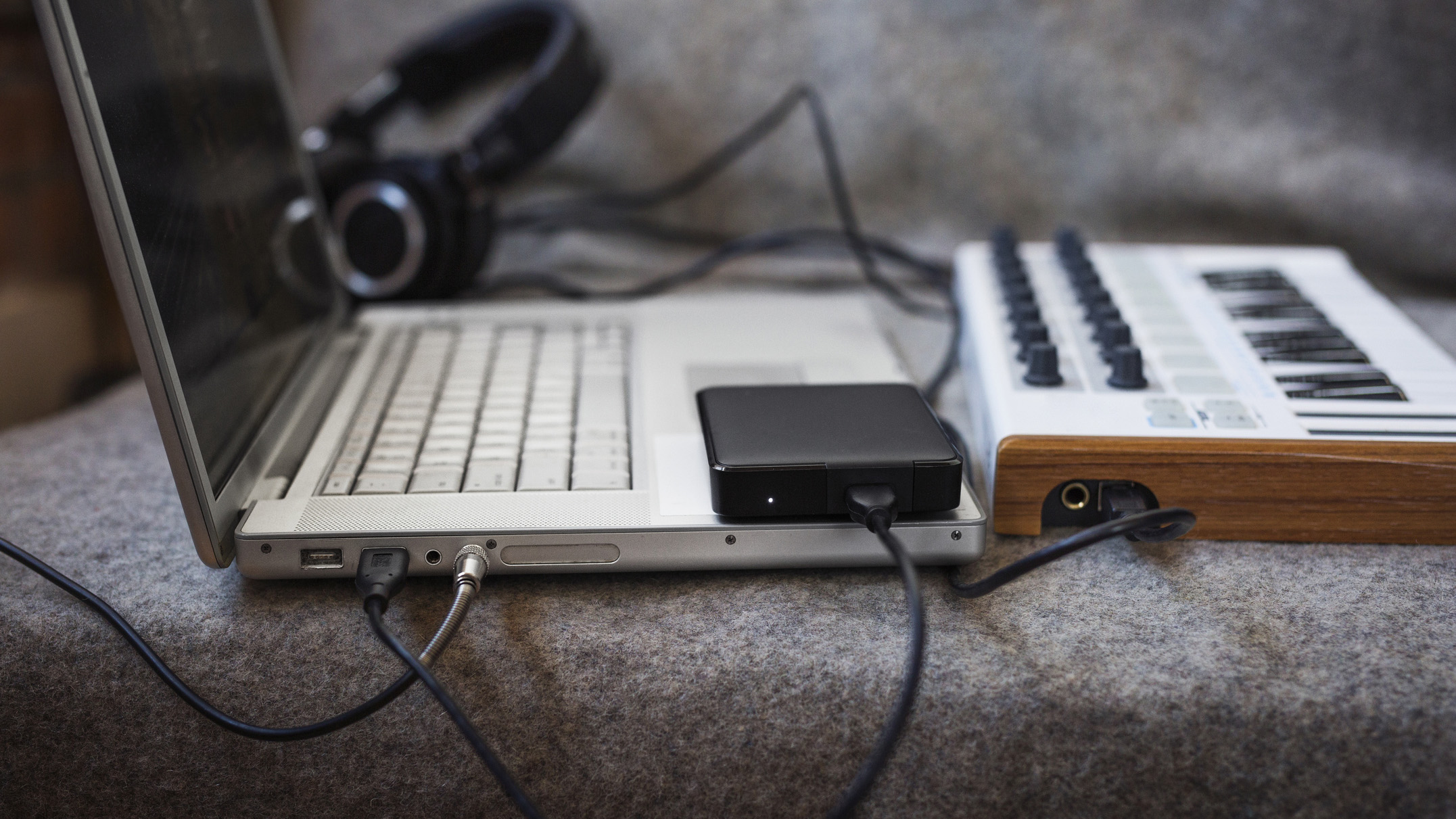
Credit: www.musicradar.com
Frequently Asked Questions
What Is The Best External Hard Drive For University Projects?
The best external hard drive for university projects offers fast transfer speeds, ample storage, and reliability. Popular options include SSDs like Samsung T7 and portable HDDs such as WD My Passport. These drives ensure quick backups and easy project management on the go.
How Much Storage Do I Need For University Backups?
A minimum of 1TB storage is ideal for backing up university projects. This size covers documents, presentations, and multimedia files comfortably. Larger capacities like 2TB or 4TB are recommended for students handling extensive video or design files.
Are Ssds Better Than Hdds For Backing Up Projects?
Yes, SSDs are faster and more durable than HDDs. They offer quicker data access and better shock resistance. However, HDDs are more cost-effective for larger storage needs. Choose SSDs for speed; HDDs for budget and capacity.
Can External Hard Drives Protect Data From Accidental Loss?
External hard drives provide a reliable backup solution to prevent accidental data loss. Regularly saving projects externally safeguards against computer crashes and file corruption. Pairing with cloud storage adds extra security.
Conclusion
Choosing the right external hard drive helps protect your university projects. It keeps your work safe and easy to find. A reliable drive saves time and worry. Simple storage means less stress during busy school days. Pick a drive with enough space for all files.
Fast transfer speeds make backup quick and smooth. A good external hard drive supports your success. Keep your projects secure and accessible anytime. This small tool makes a big difference in your studies.