

When it comes to keeping your devices cool, you’re faced with a clear choice: fanless or active cooling. But which one truly fits your needs in 2026?
Are you after absolute silence, or do you want top performance without compromise? This isn’t just a simple tech debate—it’s about how your laptop, PC, or mini PC works for you every single day. You’ll discover the surprising benefits and hidden drawbacks of both cooling methods.
By the end, you’ll know exactly which option matches your priorities—whether that’s a whisper-quiet workspace or the power to run demanding tasks smoothly. Ready to find out which cooling style wins in the battle of silence versus performance? Keep reading.
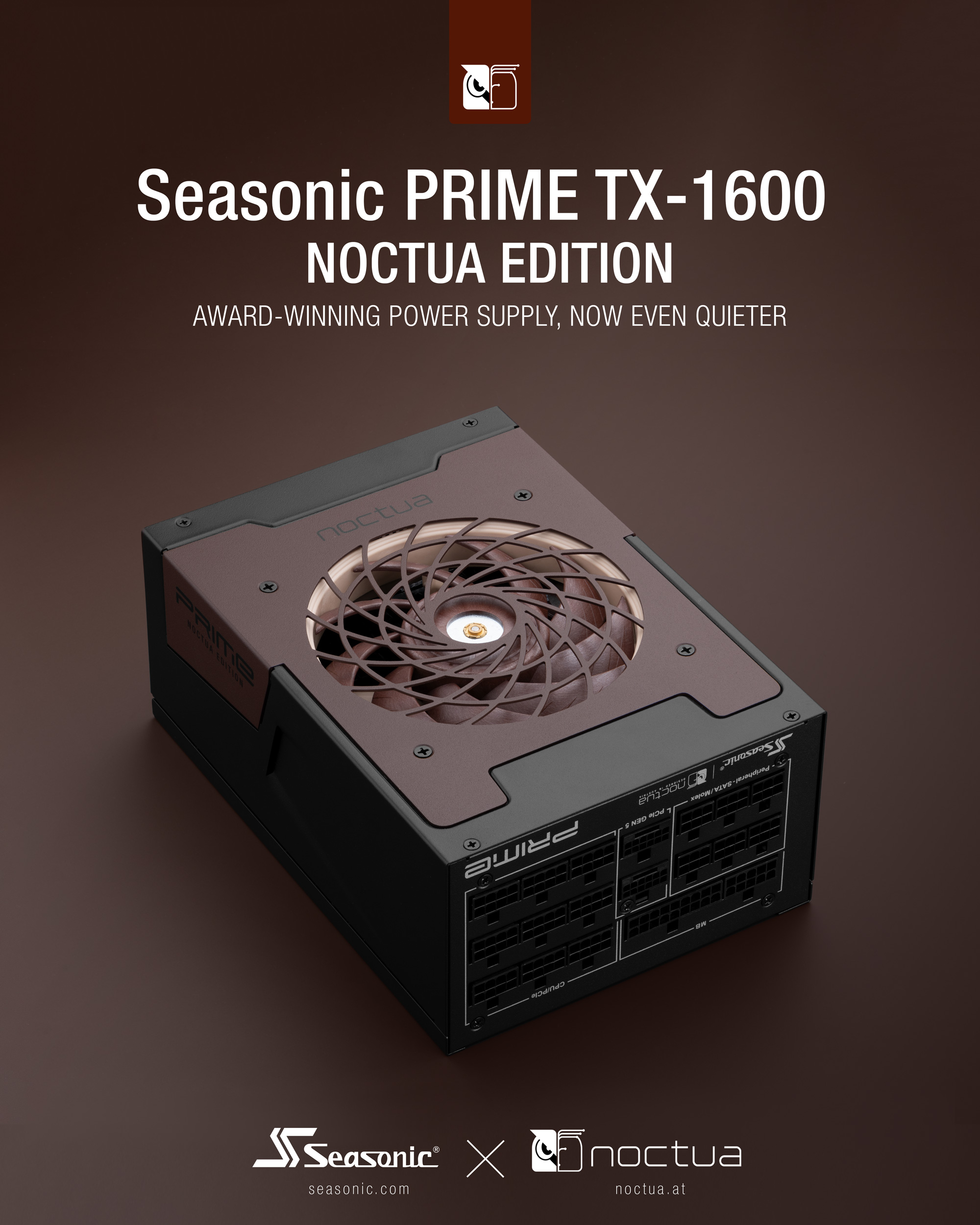
Credit: www.noctua.at
Fanless Cooling Basics
Fanless cooling is a method used to keep electronic devices from overheating without using fans. This approach relies on natural heat dissipation. It creates quieter devices and reduces moving parts that can fail over time.
Devices with fanless cooling often run silently, making them ideal for noise-sensitive environments. Understanding how fanless cooling works helps in choosing the right device for your needs.
How Fanless Cooling Works
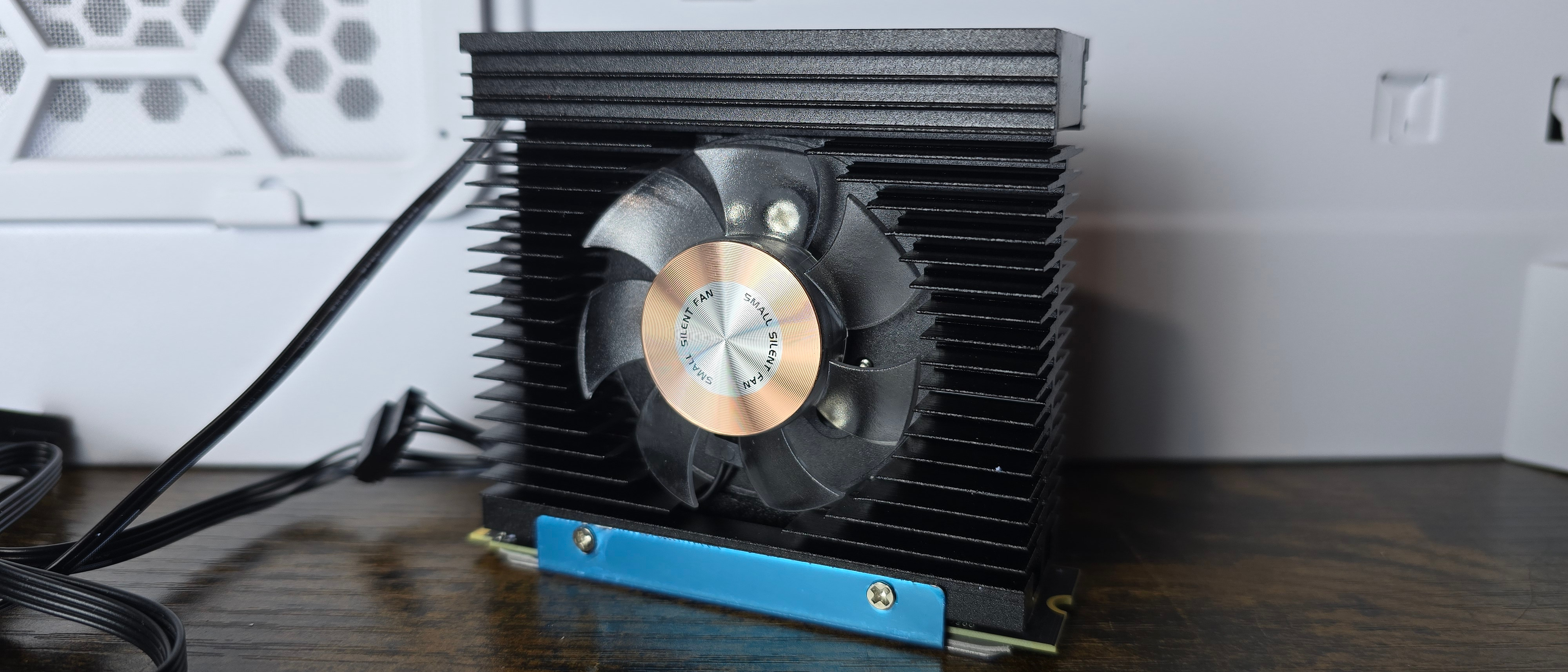
Fanless cooling moves heat away from components using metal heat sinks. These sinks absorb heat and spread it over a larger surface area. This allows heat to escape naturally into the air. Some designs use heat pipes or special materials to improve cooling. The system depends on good airflow around the device to carry heat away efficiently.
Common Fanless Devices
Many small electronics use fanless cooling. Examples include tablets, smartphones, and some laptops. Mini PCs and routers often rely on fanless designs too. These devices usually have low power consumption and generate less heat. Fanless cooling is common in industrial machines where dust or water could damage fans.
Advantages Of Fanless Systems
Fanless systems run without noise, creating a peaceful environment. They have fewer moving parts, which lowers the risk of mechanical failure. These systems need less maintenance since there are no fans to clean or replace. Fanless designs also save energy, helping extend battery life in portable devices.
Active Cooling Essentials
Active cooling plays a vital role in keeping devices running well. It uses fans or other tools to push heat away quickly. This method helps machines work harder without getting too hot.
Choosing active cooling means accepting some noise for better speed. Many devices rely on this approach to stay cool during heavy use. Understanding how active cooling works can help you pick the right system.
Mechanics Of Active Cooling
Active cooling uses fans or pumps to move air or liquid. The system pulls heat from hot parts. Then, it pushes the heat out of the device. This process stops components from overheating.
Fans spin to create airflow. This airflow carries heat away from chips and circuits. Some systems use liquid to absorb heat and move it to a radiator. The radiator cools the liquid before it cycles back.
Types Of Active Cooling Fans
There are many fan types for active cooling. Case fans help air flow inside computers. They come in different sizes and speeds. CPU fans sit directly on the processor to cool it fast.
Blower fans push air through tight spaces. They work well in small devices. Some fans have LED lights for style. Others focus only on quiet operation and efficiency.
Benefits Of Active Cooling
Active cooling lets devices perform at their best. It stops overheating and system crashes. This cooling type supports powerful processors and graphics cards. Fans reduce the risk of hardware damage due to heat.
Devices with active cooling can run longer and faster. The ability to cool quickly helps keep games and apps smooth. Active cooling also lets manufacturers design smaller and thinner machines.
Noise Levels Compared
Silent operation defines fanless cooling, making it ideal for quiet environments. Active cooling boosts performance but creates noticeable noise. Choosing between silence and power depends on your device needs and usage.
Noise plays a big role in choosing between fanless and active cooling systems. Fanless devices operate silently because they have no moving parts. Active cooling uses fans that create sound depending on speed and load. Noise levels affect user comfort, especially in quiet environments. Understanding the difference helps pick the right cooling for your needs.
Fan Noise Impact
Fans produce a range of sounds from low hums to loud whirs. The noise depends on fan size, speed, and quality. High-performance devices often need faster fans, which can be noisy. Constant fan noise can be distracting during work or entertainment. Some fans create vibrations, adding to the overall sound. Noise pollution may cause discomfort and reduce focus.
Silent Operation Benefits
Fanless systems run without any mechanical noise. This silence improves concentration and relaxation. Quiet devices suit audio recording and video editing tasks. They work well in libraries, offices, and bedrooms. Silent operation also means fewer parts that can fail or need cleaning. This leads to longer device life and less maintenance.
Noise Reduction Techniques
Manufacturers use several methods to lower fan noise. Larger fans spin slower but move more air quietly. Rubber mounts reduce vibration and rattling sounds. Software controls fan speed based on temperature and workload. Some designs use heat pipes and vents to improve cooling without extra noise. Regular cleaning prevents dust buildup that can increase fan noise.
Credit: www.tomshardware.com
Performance Differences
Performance differences between fanless and active cooling systems play a key role in device choice. Cooling methods affect how well a device handles heat and maintains speed. Understanding these differences helps select the right device for specific needs.
Heat Dissipation Efficiency
Active cooling uses fans to push hot air away from components. This method clears heat quickly and keeps devices cooler. Fanless cooling relies on passive parts like heat sinks. These absorb and spread heat without noise but move heat slower. Active cooling generally offers better heat dissipation. Fanless systems may struggle under heavy loads or warm environments.
Impact On Device Speed
Devices with active cooling can run at higher speeds longer. Fans keep the temperature low, allowing processors to perform well. Fanless devices may reduce speed to avoid overheating. This slowdown happens because passive cooling can’t clear heat fast enough. Speed limits in fanless devices protect hardware but may affect tasks like gaming or video editing.
Thermal Throttling Issues
Thermal throttling happens when a device lowers its speed to cool down. Fanless devices face more frequent throttling due to limited heat removal. Active cooling reduces throttling by maintaining stable temperatures. Less throttling means smoother performance and fewer interruptions. Choosing active cooling minimizes slowdowns in demanding situations.
Power Consumption And Battery Life
Power consumption and battery life are key factors in choosing between fanless and active cooling systems. Both impact how long a device runs and how much energy it uses. Understanding these differences helps in picking the right device for your needs.
Energy Use In Fanless Devices
Fanless devices rely on passive cooling methods. They use less energy because no fan motor runs inside. This leads to lower overall power consumption. The system stays cool through heat sinks and smart design. This efficient cooling reduces energy waste and extends battery life.
Power Draw Of Active Cooling
Active cooling uses fans to move air and cool components. Fans consume additional power, increasing the device’s energy use. The power draw depends on fan speed and size. Faster or bigger fans use more electricity. This can reduce battery life compared to fanless systems.
Battery Performance Comparison
Fanless devices usually offer longer battery life. Less power is used for cooling, saving energy for other tasks. Active cooling devices may drain batteries faster due to fan operation. Still, active cooling can maintain higher performance under heavy use. Battery life depends on device design and how cooling is managed.
Credit: www.ocinside.de
Reliability And Maintenance
Reliability and maintenance play a major role in choosing between fanless and active cooling systems. They affect how long your device works without issues. They also impact the effort and cost needed to keep the device running well. Understanding these factors helps you pick the best cooling option for your needs.
Failure Points In Cooling Systems
Active cooling systems have moving parts like fans. These parts can wear out or break over time. Dust buildup can block airflow and cause overheating. Fan bearings may fail, leading to noise or shutdowns. Fanless systems have fewer failure points. They rely on heat sinks and passive airflow. This reduces the chance of mechanical failure. However, poor design can cause heat buildup in fanless models.
Maintenance Requirements
Active cooling needs regular cleaning to remove dust from fans and vents. Dust can reduce cooling efficiency and cause noise. Fans may also need lubrication or replacement. Fanless cooling requires much less maintenance. There are no fans to clean or replace. Users only need to keep vents clear of obstructions. This makes fanless systems easier and cheaper to maintain.
Longevity Of Fanless Vs Active
Fanless systems often last longer due to fewer moving parts. They are less prone to mechanical wear and tear. Active cooling can shorten device life if fans fail or cause overheating. Good active cooling design can extend lifespan by keeping components cool. Still, fanless designs offer better reliability for long-term use. Their simple structure reduces breakdown risks and maintenance costs.
Use Cases And Suitability
Choosing between fanless and active cooling depends on the task and environment. Each cooling type fits different needs. Knowing their use cases helps pick the right option for your device.
Devices with fanless cooling offer quiet operation and less dust intake. Active cooling manages higher heat but creates noise and needs maintenance. Understanding their suitability guides better choices.
Best Scenarios For Fanless
Fanless systems work well in quiet environments. Offices, libraries, and homes benefit from silent devices. They suit light tasks like browsing, writing, and video streaming.
These systems excel in dusty or rugged places. Without fans, they avoid dust buildup and reduce failure risk. Portable devices also gain from fanless design due to longer battery life.
Ideal Conditions For Active Cooling
Active cooling fits high-performance tasks. Gaming, video editing, and 3D rendering generate much heat. Fans keep components cool and stable during heavy use.
Environments with good airflow suit active cooling. Desktop PCs and workstations have space for fans. These systems maintain speed and prevent overheating under load.
Industry-specific Preferences
Healthcare favors fanless devices to reduce noise and dust. Quiet and clean tools improve patient comfort and safety. Fanless designs also work well in medical imaging and monitoring.
Manufacturing and industrial sectors prefer fanless for durability. Machines run in harsh conditions with dust and debris. Fanless units lower maintenance and improve uptime in factories.
Creative industries lean toward active cooling. High power needs and long hours require strong heat control. Designers and animators choose active systems for reliable performance.
Future Trends In Cooling Tech
The future of cooling technology balances silence and performance. Engineers focus on making devices cooler and quieter. This focus drives innovations in both fanless and active cooling methods. The next years will bring new ways to manage heat efficiently. These advances will benefit laptops, desktops, and other electronics.
Advancements In Passive Cooling
Passive cooling improves without fans or moving parts. New materials with better heat conduction appear. Designs use larger or more efficient heat sinks. These heat sinks spread heat faster and keep devices cooler. Some use special coatings to improve heat release. Passive cooling becomes more effective for high-performance devices. This means quieter devices without sacrificing temperature control.
Innovations In Fan Design
Fans get smarter and quieter. New blade shapes reduce noise while moving more air. Fans now adjust speed precisely to match cooling needs. This saves energy and lowers sound levels. Some fans use magnetic levitation to reduce friction. These magnetic fans last longer and run more silently. Fan noise drops significantly, improving user comfort.
Hybrid Cooling Solutions
Hybrid systems combine passive and active cooling methods. They use fans only when necessary, cutting noise most of the time. Smart sensors detect temperature changes instantly. Cooling shifts seamlessly between fanless and active modes. This approach offers strong cooling and quiet operation. Hybrid cooling suits powerful machines needing flexible heat control.
How The Laptop Scout Can Help You with Fanless Vs Active Cooling: The Silence Vs Performance Comparison 2026
Learning from the Fanless Vs Active Cooling Debate
When weighing fanless against active cooling, it’s helpful to revisit key topics like noise levels, performance differences, and reliability. From my experience at The Laptop Scout, understanding these elements helps you make a choice that fits your daily routine without falling for marketing hype.
Fanless designs excel in silence and lower maintenance, which suits students or remote workers prioritizing quiet focus and portability. On the other hand, active cooling generally means better sustained performance but at the cost of some noise and power consumption. Neither option is universally better—it boils down to your workload and lifestyle.
- Consider what noise environment you tolerate or prefer
- Assess if you need peak performance for content creation or lighter tasks
- Factor in maintenance ease and battery life for your typical use
If you want to dive deeper or have specific questions, feel free to reach out to The Laptop Scout team at contact@thelaptopscout.com. We’re here to help you cut through the clutter and find what truly works for you.
Frequently Asked Questions
Are Fanless Laptops Good?
Fanless laptops offer silent operation, lower maintenance, and better portability. They suit everyday tasks but may limit high-performance use.
What Is The Best Fanless Laptop?
The best fanless laptop combines silent operation, efficient performance, and long battery life. Popular models include the Apple MacBook Air M1 and Lenovo Chromebook Duet. These laptops suit everyday tasks, offering reliability and portability without noisy fans.
Which Hp Laptops Are Fanless?
HP fanless laptops include models from the HP Elite Dragonfly series and some HP Spectre x360 configurations. These use passive cooling for silent operation.
What Is The Main Difference Between Fanless And Active Cooling?
Fanless cooling relies on passive heat dissipation, using no moving parts. Active cooling uses fans or liquid to remove heat quickly. Fanless is silent and low maintenance, while active cooling offers better performance under heavy loads.
Conclusion
Choosing between fanless and active cooling depends on your priorities. Fanless systems offer quiet, low-maintenance operation with good energy use. Active cooling delivers stronger performance and better heat control under heavy tasks. Both have pros and cons for different needs.
Think about how you use your device daily. Silence or power—pick what suits you best. This balance defines your ideal cooling choice in 2026.









