

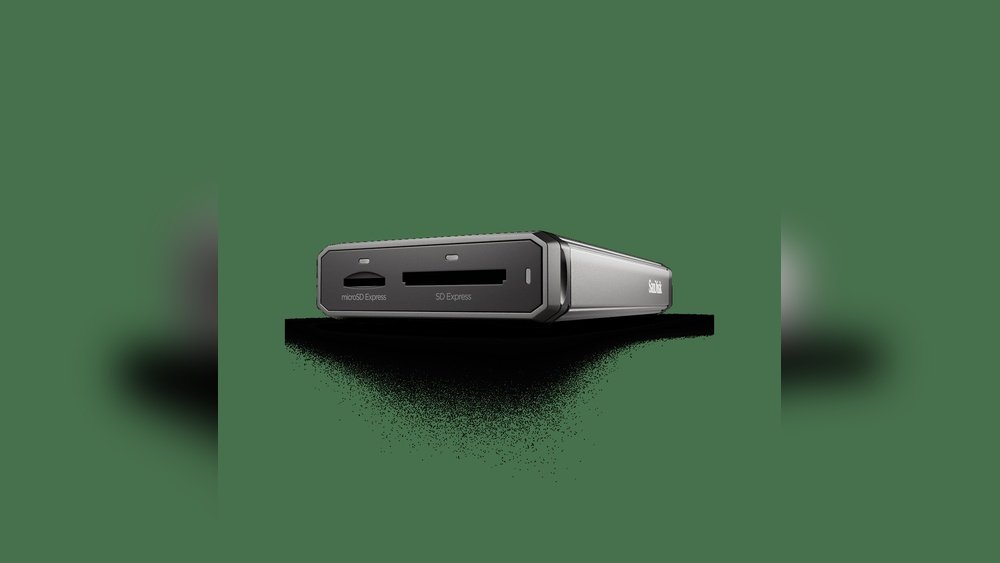
If you’re a photographer who relies on your laptop to handle large photo files quickly, understanding the difference between SD Express and UHS-II could change how you work. Choosing the right card standard affects how fast you can transfer images, edit on the go, and deliver results without frustrating delays.
But with new technology emerging, which one truly sets the new standard for photographer laptops? You’ll discover how SD Express and UHS-II compare in speed, compatibility, and real-world performance—so you can make the smartest choice for your workflow and never miss a shot.
Keep reading to find out which memory card standard will give your laptop the edge it needs.
Credit: bulkmemorycards.com
Sd Express Technology
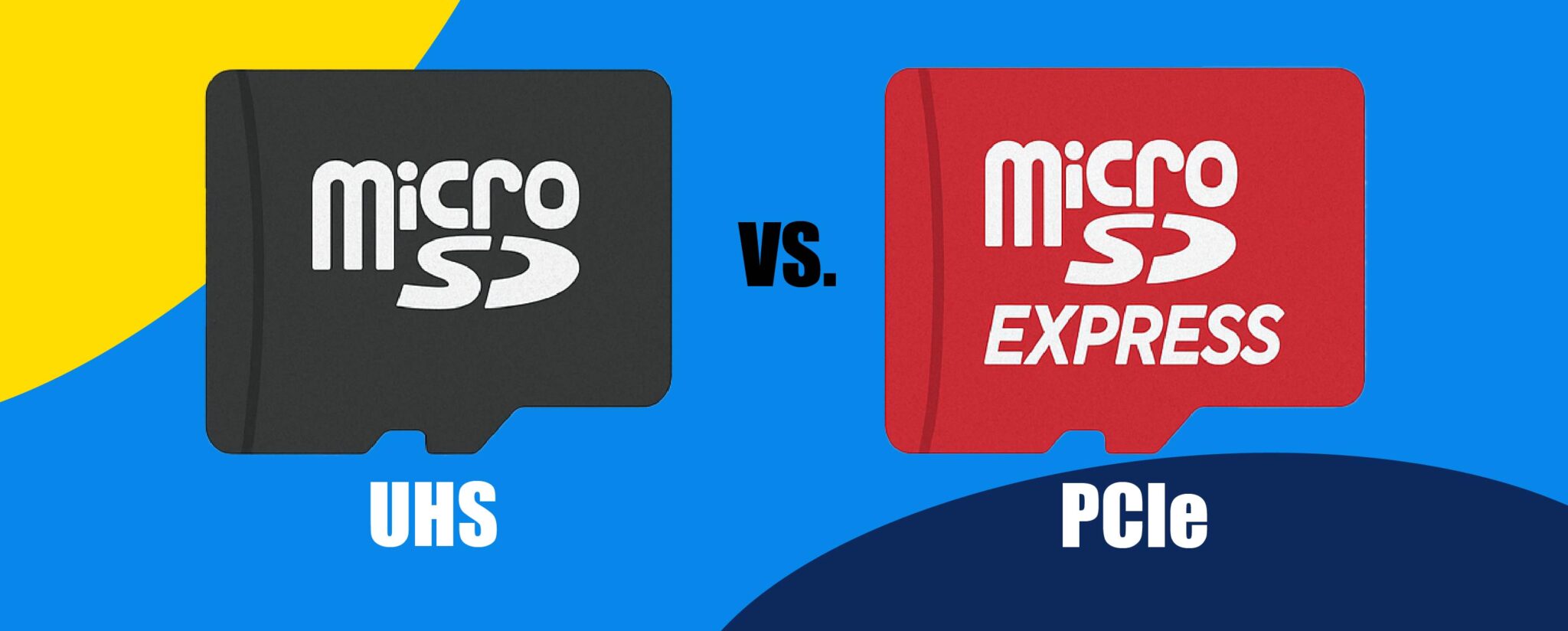
SD Express technology marks a significant step forward in memory card design. It blends traditional SD card functions with PCIe and NVMe interfaces. This combination boosts speed and efficiency for data transfer. Photographers benefit greatly from this advancement, especially when handling large files. The technology supports faster writing and reading speeds. This makes it ideal for laptops used in photography. Understanding its features helps photographers choose the best storage solutions.
Key Features
SD Express uses PCIe Gen3 and NVMe protocols. This enables much faster data transfer rates than older SD cards. It supports speeds up to 985 MB/s. The cards maintain backward compatibility with existing SD slots. They also allow higher storage capacities, reaching up to 128TB. Error correction and power management are improved. These features ensure data integrity and longer card life. The card design remains physically the same as standard SD cards.
Performance Benefits
SD Express delivers a dramatic increase in speed. It reduces wait times when transferring large photo files. Photographers can shoot and save high-resolution images faster. Video editing on laptops becomes smoother with quicker access to data. The faster speeds enhance workflow efficiency. This technology also supports multitasking without slowing down. It helps prevent bottlenecks during high-demand photo sessions. Overall, it improves the user experience for photography professionals.
Compatibility With Devices
SD Express cards fit in standard SD card slots. However, they reach full speed only in SD Express-compatible devices. Older devices will run the cards at slower UHS-I or UHS-II speeds. Laptop manufacturers are starting to include SD Express support. This makes the technology more accessible for photographers. Compatibility with cameras is growing but still limited. Checking device support before purchasing is important. The transition to SD Express will likely speed up as more devices adopt it.
Uhs-ii Technology
UHS-II technology marks a significant step forward in memory card performance. It enhances data transfer speeds and reliability. This technology is crucial for photographers who demand faster file handling and smoother workflows. UHS-II cards offer better performance than the older UHS-I standard, especially for high-resolution images and 4K video recording. Understanding UHS-II’s features helps photographers choose the right card for their laptops and cameras.
Speed Specifications
UHS-II cards provide maximum speeds up to 312 MB/s. This is three times faster than UHS-I cards, which top out at 104 MB/s. Faster speeds mean quicker file transfers and less waiting time. Photographers can save large RAW files or 4K videos more efficiently. This speed reduces lag during continuous shooting and video recording. Faster write speeds improve camera performance and laptop data handling.
Design And Structure
UHS-II cards have a unique double row of pins. These extra pins allow for faster data transfer between the card and device. The design remains compatible with older devices but only runs at slower speeds in them. The physical size and shape are the same as UHS-I cards. This design keeps UHS-II cards easy to use across many devices. The dual row of contacts is a clear visual sign of UHS-II technology.
Device Support
Many modern cameras and laptops support UHS-II cards. Devices without UHS-II slots still accept these cards but at UHS-I speeds. Choosing a laptop with UHS-II support maximizes card performance. Photographers benefit from faster workflows and better data management. Checking device compatibility is essential before investing in UHS-II cards. Proper support ensures users get the full advantage of UHS-II technology.
Speed Comparison
Speed plays a crucial role in choosing the right memory card for photographer laptops. Both SD Express and UHS-II offer unique advantages. Understanding their speed differences helps photographers improve their work.
Read And Write Speeds
SD Express delivers read speeds up to 985 MB/s. Write speeds can reach nearly 900 MB/s. UHS-II cards offer read speeds up to 312 MB/s. Their write speeds typically max out around 260 MB/s. This makes SD Express roughly three times faster than UHS-II in theory. The faster speeds help transfer large files quickly.
Real-world Performance
In daily use, SD Express shows clear speed benefits. Copying high-resolution photos and 4K videos completes faster. UHS-II still performs well for many tasks but lags behind with large files. SD Express reduces wait times during heavy transfers. This speed gain can matter in fast-paced shooting environments.
Impact On Workflow
Faster read and write speeds improve workflow efficiency. Photographers save time transferring images to their laptops. This quick access allows faster editing and backup. SD Express cards support quicker data handling. UHS-II may slow down demanding workflows slightly. Choosing the right card depends on workload and speed needs.
Credit: www.amazon.com
Photographer Laptop Needs
Photographers require laptops that handle large files and fast workflows. Their devices must support quick data transfer, efficient storage, and versatile connections. Choosing the right laptop influences editing speed and project management. Understanding these needs helps select the best laptop for photography.
Data Transfer Requirements
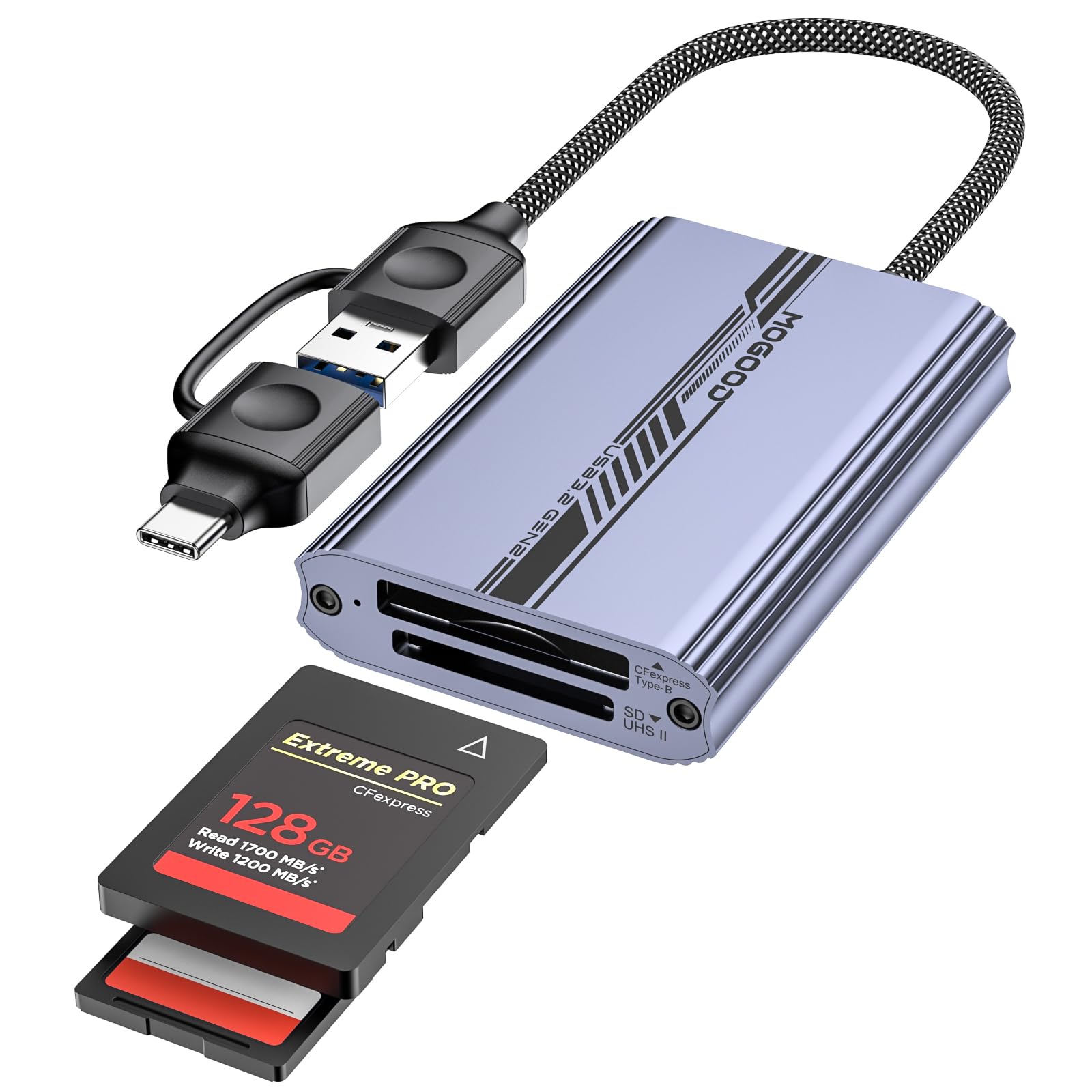
Photographers move massive image files regularly. High-speed data transfer reduces waiting time. Laptops must support fast card readers for SD Express or UHS-II cards. This ensures smooth import and export of photos. Slow transfer speeds interrupt the creative process and cause delays.
Storage Management
Photo files consume large storage space quickly. Laptops need ample, fast storage options like SSDs. Efficient storage management supports quick access to images during editing. Backup solutions also play a key role. Photographers benefit from easy file organization and safe data storage.
Port And Slot Availability
Multiple ports and card slots enhance laptop usability. SD Express and UHS-II cards require compatible slots. USB-C, Thunderbolt, and other ports allow connection to external drives and displays. A variety of ports helps photographers connect gear without extra adapters. This flexibility speeds up workflow and improves efficiency.
Compatibility And Backward Support
Compatibility and backward support are key for photographers choosing between SD Express and UHS-II cards. Both standards aim to improve laptop and camera performance. Understanding how they work together helps avoid confusion. This section explains how these cards interact with different slots and the limits to consider.
Using Sd Express In Uhs-ii Slots
SD Express cards fit into UHS-II slots without issues. They remain physically compatible with these older slots. Yet, the card speed drops to UHS-II levels. The laptop or camera cannot use the full speed of SD Express. This means slower file transfers than the card’s maximum potential.
Using Uhs-ii In Sd Express Slots
UHS-II cards work fine in SD Express slots. The devices recognize the UHS-II card and run it at its designed speed. SD Express slots do not limit UHS-II performance. This backward support ensures photographers can use existing cards without buying new ones.
Limitations And Considerations
Speed reduction occurs when using newer cards in older slots. Devices must support the latest standards to get full benefits. Not all laptops support SD Express yet. Check device specifications before upgrading. Power consumption may increase with SD Express cards. Some older cameras may not read SD Express cards. Always test compatibility before important shoots.
Future Trends In Sd Cards
SD cards continue evolving rapidly to meet growing needs of photographers. Storage capacity and speed remain top priorities. New standards promise faster data transfer and better reliability. Understanding future trends helps photographers choose the right gear.
Emerging Standards
SD Express is the latest standard using PCIe and NVMe interfaces. It offers speeds up to 4GB/s, far beyond UHS-II limits. This speed supports 8K video and high-resolution burst shooting. Backward compatibility allows use in older devices, but at lower speeds. Manufacturers focus on making SD Express more affordable and widespread.
Phasing Out Older Technologies
UHS-I and UHS-II cards remain popular but will slowly phase out. New cameras and laptops increasingly support SD Express. Older cards cannot keep up with modern data demands. The shift encourages users to upgrade storage for better performance. Eventually, UHS-II may become obsolete in professional photography.
Impact On Photography Gear
Faster SD cards change how photographers work. Large files transfer quickly, saving time in post-processing. Cameras with SD Express slots handle high-speed shooting without lag. Laptops with SD Express readers speed up backups and editing. Overall, the gear becomes more efficient and reliable for professionals.
Choosing The Right Card
Choosing the right memory card is crucial for photographers using laptops. The choice between SD Express and UHS-II cards affects speed, compatibility, and cost. Each type has strengths that suit different needs. Understanding these helps you pick the best card for your workflow.
Budget Vs Performance
SD Express cards offer higher speeds but come at a higher price. UHS-II cards are more affordable and still deliver fast performance. If your budget is tight, UHS-II cards provide good value. For top speed and future-proofing, SD Express is the better choice. Balance your budget with the performance you need.
Use Case Scenarios
Photographers who shoot high-resolution photos or 4K video benefit from SD Express cards. These cards handle large files quickly, reducing transfer time. UHS-II cards work well for casual shooting and smaller files. Consider your shooting style and file size before deciding. Fast transfer speeds improve editing and backup processes.
Brand And Reliability
Choose brands with a strong reputation for quality and durability. Reliable cards prevent data loss and corruption. Both SD Express and UHS-II cards come from trusted manufacturers. Look for cards with good reviews and warranty support. Investing in a reliable card protects your valuable work.

Credit: shop.sandisk.com
How The Laptop Scout Can Help You with Sd Express Vs Uhs-Ii: The New Standard for Photographer Laptops
Practical Insights Into SD Express and UHS-II for Photographer Laptops
When weighing SD Express against UHS-II, it’s helpful to revisit how these technologies align with your real-world needs as a photographer. From my experience at The Laptop Scout, speed isn’t everything — compatibility and future-proofing matter just as much. SD Express offers a leap forward in transfer rates, but UHS-II’s wider compatibility with existing devices still holds strong value.
Here are a few practical ways to approach your choice:
- Consider your current laptop’s card reader compatibility. Backward support can save you upgrade hassles.
- Match card speed with your workflow demands—higher resolution files benefit more from SD Express’s speed.
- Keep an eye on future trends, since SD Express is positioned as the next standard, but it might take time before it’s universally adopted.
For anyone navigating these options, I’m always open to clarifying doubts or offering tailored advice—feel free to reach out through The Laptop Scout’s contact page for straightforward guidance without the hype.
Frequently Asked Questions
Do I Need Uhs-ii For Photography?
UHS-II cards offer faster write speeds, benefiting burst shooting and 4K video. For casual photography, UHS-I is sufficient. Choose based on your camera’s compatibility and shooting needs.
Why Are Sd Cards Being Phased Out?
SD cards are being phased out due to slower speeds and limited capacity compared to newer storage technologies. Manufacturers prefer faster, more reliable options like CFexpress. Removing SD slots also encourages cloud storage use and promotes higher-end devices with built-in storage, enhancing user experience and device performance.
Is Uhs 2 Worth It?
UHS-II offers faster read/write speeds, benefiting professional photographers and videographers. It suits high-resolution and burst shooting. For casual use, UHS-I is sufficient. Choose UHS-II if your device supports it for improved performance and reliability.
What Sd Card Should I Use For A Digital Camera?
Choose an SD card matching your camera’s speed class and capacity needs. UHS-II or SD Express cards suit high-resolution and burst shooting. Always check your camera’s compatibility for optimal performance.
Conclusion
Choosing between SD Express and UHS-II depends on your laptop and photography needs. SD Express offers faster speeds but requires compatible devices. UHS-II cards work well with many current laptops and cameras. Both standards improve data transfer compared to older cards.
Photographers should consider device compatibility and speed needs before deciding. Staying informed helps ensure smooth photo editing and storage. The right choice supports your workflow without unnecessary costs.