Are you tired of struggling to hear and be heard during your Zoom meetings? Poor audio quality can make even the most important calls frustrating and unproductive.
Imagine having a wireless headset that delivers crystal clear sound, so every word comes through sharp and every conversation feels natural. You’ll discover the best wireless headsets designed to boost your Zoom experience. Get ready to upgrade your meetings and communicate with confidence like never before.
Keep reading to find the perfect headset that fits your needs and budget!
Key Features For Zoom Headsets
Choosing the right wireless headset for Zoom meetings improves your call quality. Certain features matter most for clear sound and comfort. These features help you stay focused and sound professional during virtual meetings.
Noise Cancellation Tech
Good noise cancellation blocks background noise. It stops sounds from your room or outside. This tech helps others hear you clearly. It also lets you listen without distractions.
Microphone Quality
The microphone must pick up your voice well. Clear voice makes communication smooth. Look for headsets with noise-reducing microphones. They reduce echoes and unwanted sounds.
Comfort And Fit
Wear your headset for hours without pain. Soft ear cushions and adjustable headbands help. A light design prevents tiredness. Comfort is key for long Zoom calls.
Battery Life
Long battery life keeps your headset ready. Choose models with at least 8 hours of use. Fast charging is a plus. Avoid interruptions in important meetings.
Wireless Connectivity
Strong wireless connection means no drops or delays. Bluetooth 5.0 or higher offers stable links. Easy pairing with your device saves time. Wireless freedom improves your meeting experience.
Top Wireless Headsets Of 2025
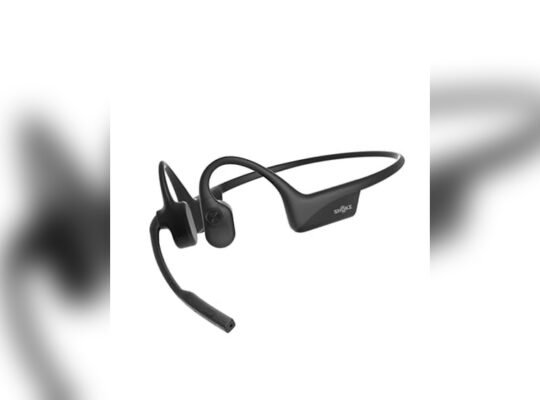
The top wireless headsets of 2025 offer clear sound and comfort for Zoom meetings. These headsets reduce background noise and boost voice clarity. Choosing the right headset can improve your meeting experience and help you stay focused.
Here are the best wireless headsets for different budgets and needs. Each option delivers reliable performance for remote work and virtual calls.
Premium High-end Models
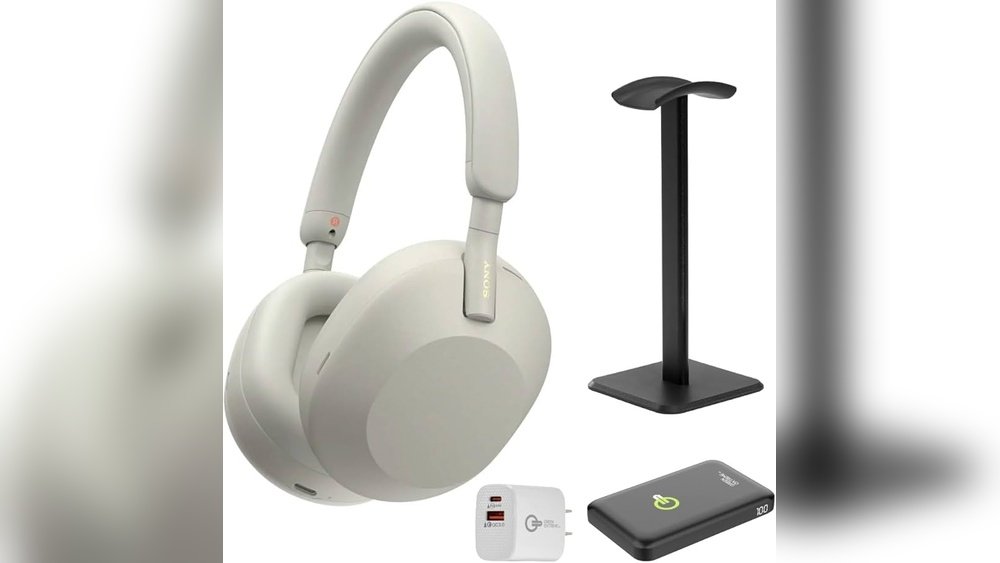
Premium headsets provide superior sound quality and noise cancellation. They offer long battery life and strong wireless connection. Brands like Bose and Sony lead this category. These models often have plush ear cushions and adjustable microphones. They suit users who spend hours in meetings and want comfort and top audio.
Best Mid-range Options
Mid-range headsets balance price and features well. They deliver clear sound and decent noise blocking. These headsets often have good battery life and easy controls. Brands such as Jabra and Plantronics offer strong mid-range choices. These options work well for daily use without breaking the bank.
Budget-friendly Picks
Budget headsets focus on essential features and affordability. They provide clear audio and basic noise reduction. These models may have shorter battery life and simpler designs. Brands like Anker and Mpow offer reliable budget wireless headsets. These picks suit casual users or those new to wireless headsets.
Headset Compatibility And Setup
Choosing the right wireless headset means checking its compatibility with your devices. Setup should be quick and easy for smooth Zoom meetings. A good headset works well with different systems and apps. It should connect fast and offer clear sound without hassle.
Connecting With Zoom
Most wireless headsets connect easily to Zoom. Start by turning on the headset and pairing it with your computer or phone. Open Zoom settings and select your headset for audio and microphone. Test sound levels before your meeting. This ensures your voice comes through clearly. Keep your headset charged for uninterrupted calls.
Cross-platform Support
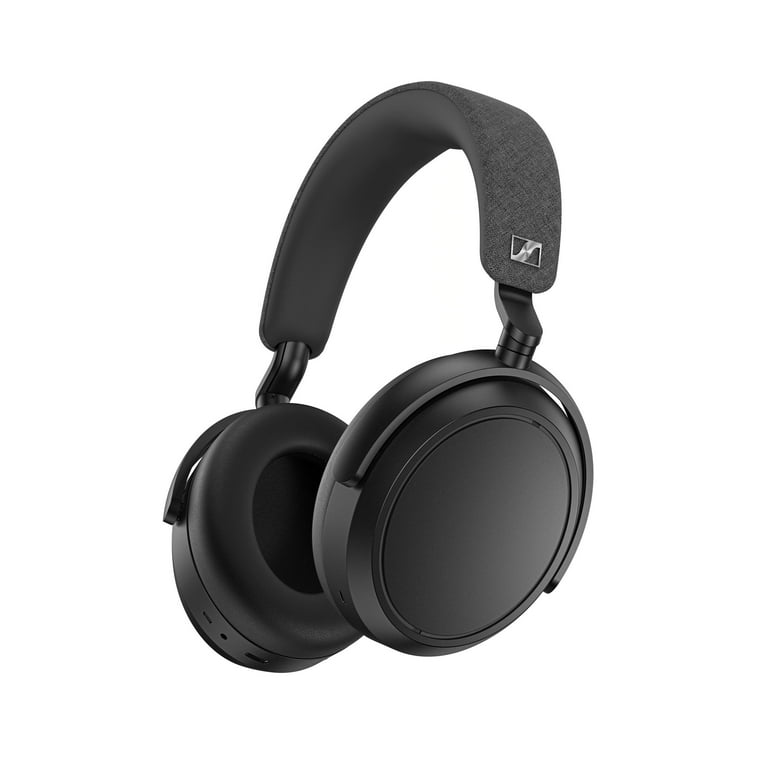
Good headsets work on Windows, Mac, Android, and iOS. They switch smoothly between devices without extra setup. This helps if you join meetings from different gadgets. Check product details to confirm support for multiple platforms. A headset with universal compatibility saves time and frustration.
Troubleshooting Common Issues
Sometimes, sound can drop or delay during meetings. Try turning the headset off and on again. Check Bluetooth or USB connections. Restart Zoom if audio problems persist. Update headset drivers and Zoom app regularly. Clear any device interference by moving closer. These steps fix most common issues fast.
Credit: www.walmart.com
Tips To Improve Meeting Audio
Clear audio is key to successful Zoom meetings. Poor sound can cause confusion and frustration. Simple steps can improve your meeting audio significantly. Follow these tips to make sure you hear and are heard clearly.
Optimizing Your Environment
Choose a quiet place for your calls. Close doors and windows to block outside noise. Soft furnishings like curtains and rugs help reduce echo. Avoid rooms with loud appliances or background chatter. Position your microphone away from noisy devices.
Adjusting Audio Settings
Check your headset’s volume before the meeting starts. Use Zoom’s audio settings to test your microphone and speakers. Lower background noise by enabling noise suppression in Zoom. Adjust the microphone sensitivity to avoid distortion. Make sure your headset is selected as the audio device.
Maintaining Your Headset
Keep your headset clean to maintain sound quality. Wipe microphones and ear pads regularly with a soft cloth. Store your headset in a safe, dry place to avoid damage. Replace worn parts like ear cushions as needed. Charge wireless headsets fully before meetings to prevent dropouts.
Future Trends In Wireless Headsets
The future of wireless headsets looks bright and full of exciting changes. These devices will become smarter and more useful. They will improve how we hear and speak in Zoom meetings and other virtual calls.
New technology will bring clearer sound and better comfort. Wireless headsets will connect easily with many devices. They will also use faster and stronger wireless signals. These trends will help everyone have better meeting experiences.
Advancements In Audio Tech
Audio quality will keep getting better. Noise-canceling features will become more powerful. This means less background noise and clearer voices. Headsets will also use smart microphones. These pick up your voice and block sounds around you. Sound will feel more natural and balanced.
Integration With Virtual Meetings
Wireless headsets will work well with meeting apps like Zoom. They will connect directly without extra steps. Features like mute and volume control will be built-in. Some headsets might show meeting alerts or chat messages. This makes it easier to manage calls.
Emerging Wireless Standards
New wireless standards will improve connection speed and range. Latency will drop, meaning no delay in sound. Battery life will get longer with better power use. These standards will support more devices at once. Users will enjoy more freedom and less interruption.

Credit: www.amazon.com

Credit: headsetadvisor.com
Frequently Asked Questions
What Features Make Wireless Headsets Ideal For Zoom Meetings?
Wireless headsets offer clear audio, noise cancellation, and comfortable design. They allow freedom of movement and reduce background noise, ensuring better communication during Zoom calls. These features enhance focus and professionalism in virtual meetings.
How Important Is Noise Cancellation In Wireless Headsets?
Noise cancellation blocks background sounds, improving voice clarity. It helps you stay focused and makes your voice clear to others on Zoom. This feature is essential for professional and uninterrupted virtual meetings.
Which Wireless Headset Brands Are Best For Zoom Calls?
Top brands include Jabra, Bose, Sony, and Logitech. They offer high-quality sound, reliable wireless connections, and comfort for long meetings. These brands are trusted for delivering excellent Zoom meeting experiences.
Can Wireless Headsets Improve Meeting Productivity?
Yes, wireless headsets boost productivity by enabling hands-free communication. They reduce distractions and allow multitasking during Zoom calls. Clear audio ensures better understanding and faster decision-making in meetings.
Conclusion
Choosing the right wireless headset improves your Zoom meetings a lot. Clear sound helps you hear and speak without trouble. Comfort matters for long calls, so pick a good fit. Battery life keeps you connected without constant charging. Noise cancellation blocks background sounds effectively.
These features make meetings easier and less tiring. Enjoy smooth, clear conversations every time you join a call. A good headset supports your work and learning from home. Stay connected and focused with the best wireless headset for Zoom.