

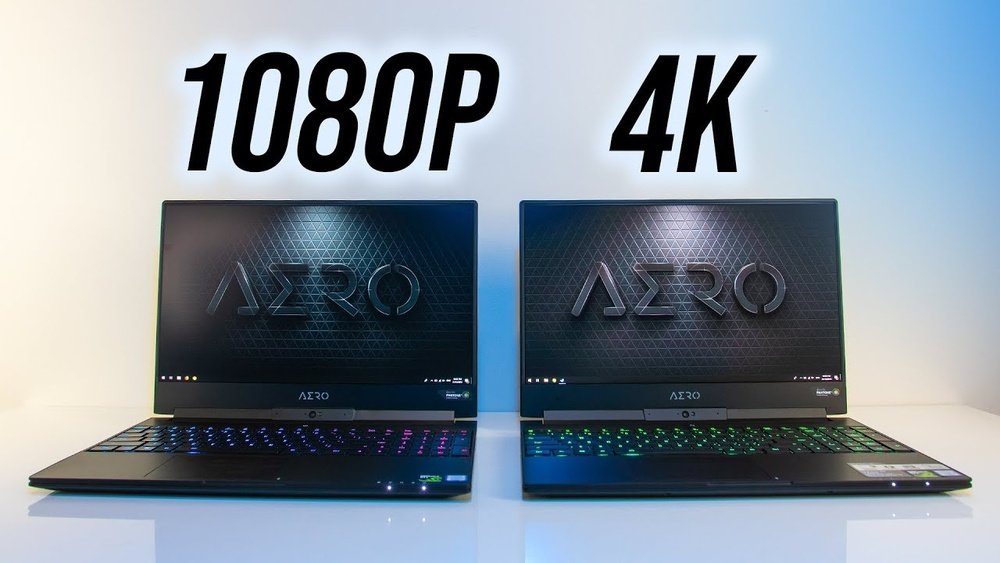
Choosing the right screen resolution for your 14-inch laptop can make a huge difference in how you see your work, games, and movies. You might be wondering whether 1080p, 1440p, or 4K is the best fit for your needs.
Each option offers unique benefits and trade-offs in clarity, battery life, and performance. If you want to know which resolution truly suits your lifestyle and budget, keep reading. By the end, you’ll feel confident picking the perfect display that makes every pixel count on your laptop.
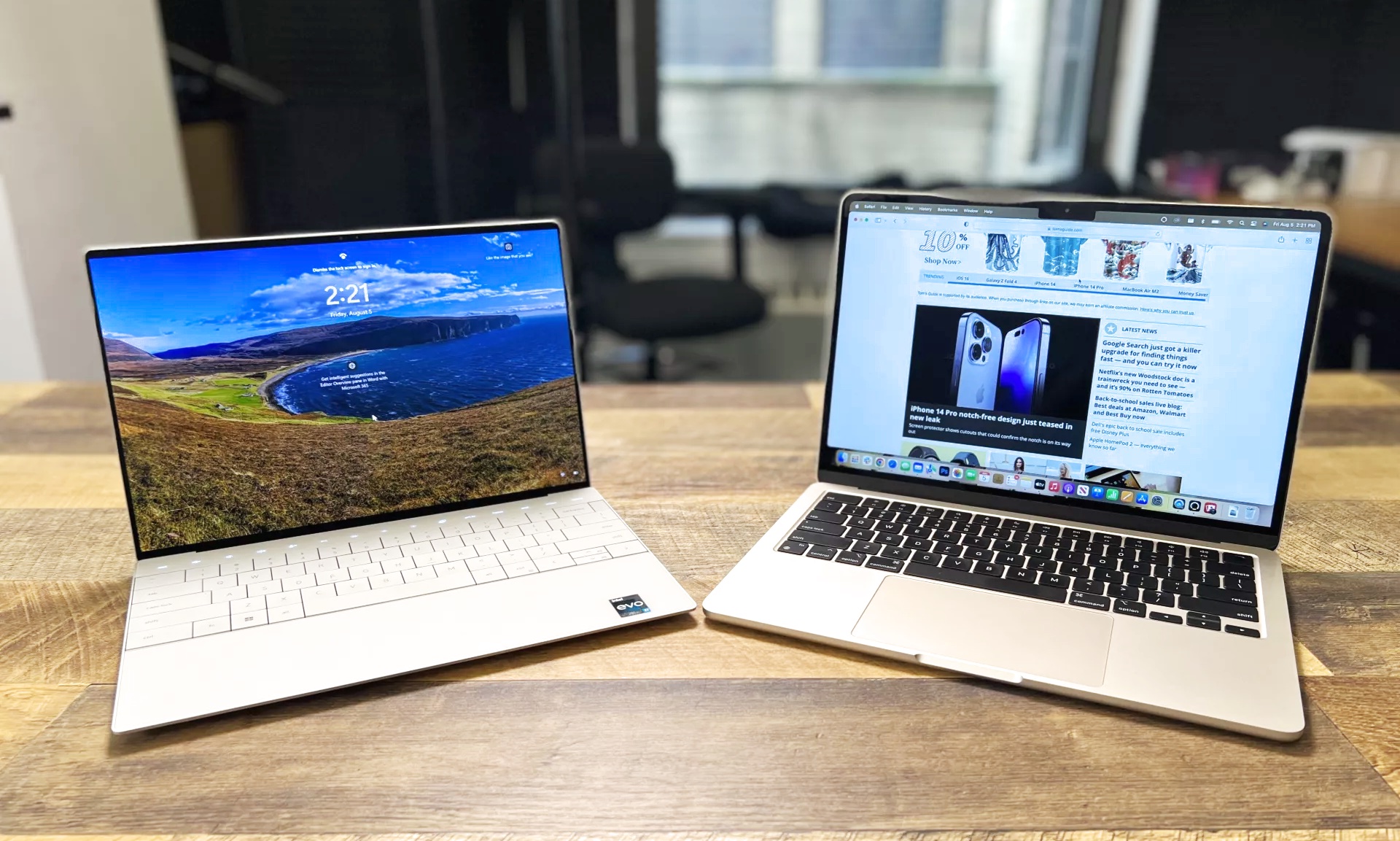
Credit: www.tomsguide.com
Screen Resolution Basics
Choosing the right screen resolution for a 14-inch laptop affects your viewing experience. Screen resolution defines how sharp and clear the display looks. It depends on the number of pixels packed on the screen. Higher resolution means more pixels and better picture quality. This section explains the basics of 1080P, 1440P, and 4K resolutions.
What 1080p, 1440p, And 4k Mean
1080P is also called Full HD. It has 1920 pixels across and 1080 pixels down. 1440P is known as Quad HD or 2K. It offers 2560 pixels wide and 1440 pixels tall. 4K means Ultra HD, with 3840 pixels by 2160 pixels. The higher the number, the more pixels fit on the screen. More pixels create sharper images and finer details.
Pixel Density And Clarity
Pixel density measures pixels per inch (PPI). A higher PPI means sharper text and images. On a 14-inch laptop, 1080P gives a decent pixel density. 1440P increases this, making visuals clearer and more vibrant. 4K has the highest pixel density, which produces the sharpest and most detailed display. However, higher resolutions can use more power and may require stronger hardware.

Credit: www.youtube.com
Display Size And Aspect Ratio
Display size and aspect ratio are key factors in choosing the right resolution for a 14-inch laptop. They affect how clear and sharp images look on the screen. Understanding these elements helps you pick a screen that suits your needs and viewing comfort.
Impact On 14-inch Laptops
A 14-inch laptop has a limited space for pixels to spread out. Higher resolutions like 1440p or 4K pack more pixels into this small area. This makes images and text look sharper and more detailed. But very high resolutions on small screens can make things too small to read without scaling. Lower resolutions like 1080p offer a good balance between clarity and size. The screen feels comfortable for daily use without straining your eyes.
Common Aspect Ratios
Most 14-inch laptops use a 16:9 aspect ratio. This widescreen format fits well with videos and games. Some models use 16:10 or 3:2 ratios, which give extra vertical space. These ratios help show more content on the screen, useful for browsing and editing documents. Aspect ratio affects how the resolution looks and how much content fits on the display. Choosing the right ratio depends on your work and entertainment habits.
Visual Quality Comparison
Choosing the right screen resolution for a 14-inch laptop affects your visual experience. The three common resolutions—1080P, 1440P, and 4K—offer different levels of visual quality. Comparing their sharpness, detail, color accuracy, and brightness helps pick the best fit for daily use.
Each resolution has strengths and trade-offs. Understanding these differences clarifies which one suits your needs and budget.
Sharpness And Detail
1080P, also known as Full HD, provides decent sharpness on a 14-inch screen. Text and images appear clear, but fine details may seem slightly soft. 1440P offers a noticeable boost, making edges crisper and small elements easier to see. It improves clarity without demanding too much battery or power.
4K resolution delivers the highest sharpness and detail. It packs four times more pixels than 1080P, showing even the smallest details with precision. On a 14-inch laptop, this creates a very crisp image, ideal for photo editing or watching high-quality videos.
Color Accuracy And Brightness
Color accuracy varies by the display panel but often improves with higher resolutions. 1080P screens may show colors adequately but can lack vibrancy. 1440P screens usually support better color ranges, giving richer and more natural hues.
4K displays often come with advanced panels that enhance both color accuracy and brightness. This results in vivid visuals and deeper contrasts. Brightness levels tend to be higher on 4K screens, improving visibility under bright light conditions.
Performance And Battery Life
Choosing between 1080P, 1440P, and 4K resolutions for a 14-inch laptop affects both performance and battery life. Each resolution puts a different load on the laptop’s hardware. This directly impacts how smoothly the laptop runs and how long its battery lasts.
Gpu Demands Per Resolution
Higher resolutions require more power from the GPU. A 1080P screen is the easiest to drive, so the GPU works less. This results in faster performance and less heat. Moving to 1440P increases the pixel count by about 78%, making the GPU work harder. At 4K, the GPU must handle four times the pixels of 1080P. This causes more strain, which can slow down the system if the GPU is not strong enough. For casual users, 1080P or 1440P is often sufficient. Power users with strong GPUs can benefit from 4K but may face slower performance in demanding tasks.
Effect On Laptop Battery
Battery life drops as screen resolution rises. A 1080P display uses less power, extending laptop battery time. The GPU also consumes less energy, helping keep the laptop running longer. At 1440P, battery life shortens because the screen and GPU use more power. The difference is noticeable but still acceptable for many users. A 4K screen drains the battery fastest. The laptop must push more pixels and keep the display bright. This leads to shorter use between charges. Users who prioritize battery life should choose 1080P or 1440P screens. Those who value sharp image quality may accept shorter battery times for 4K.
Use Case Scenarios
Choosing the right resolution for a 14-inch laptop depends on how you use it daily. Different tasks benefit from different screen qualities. This section explores which resolution works best for various activities.
Everyday Office Work
1080P is ideal for office tasks like typing, emails, and browsing. It offers clear text and good battery life. Higher resolutions may not show much difference for simple work. A 1080P screen helps reduce eye strain during long hours.
Content Creation
For photo editing or video work, 1440P or 4K provides sharper images. These resolutions show more detail and accurate colors. 4K is perfect if you need the highest clarity. However, 1440P balances quality and performance well on smaller screens.
Gaming Experience
1080P is common for smooth gameplay with high frame rates. It requires less power from the laptop’s graphics card. 1440P offers better visuals but may lower performance. 4K gaming on a 14-inch laptop can be too demanding and may cause lag.
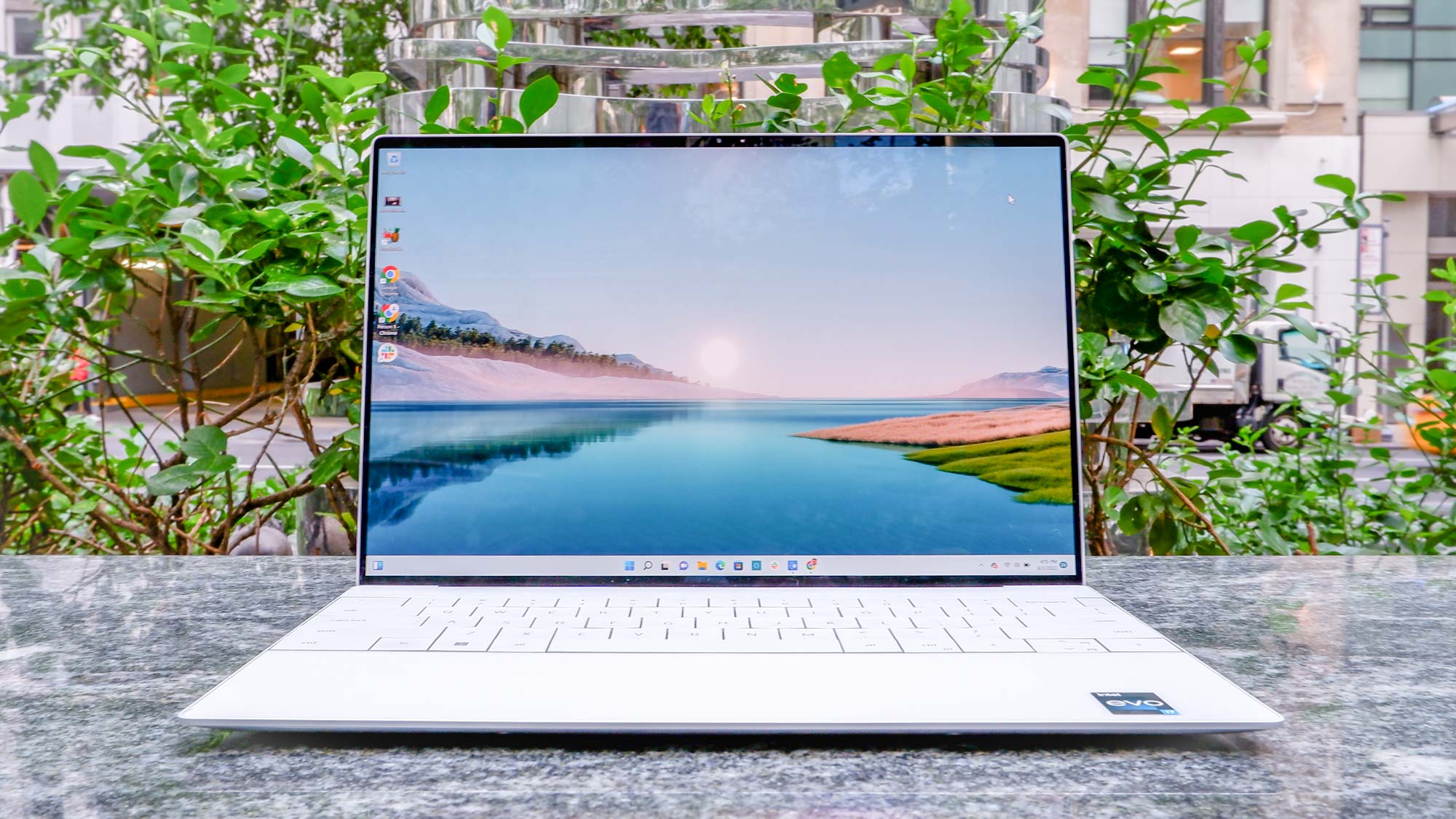
Credit: www.tomsguide.com
Scaling And Software Compatibility
Choosing the right resolution for a 14-inch laptop goes beyond just sharpness and clarity. Scaling and software compatibility play a big role in how comfortable the screen feels. Different resolutions need different scaling settings to make text and icons clear and easy to read. Software must also support these settings well to avoid glitches or blurry images.
Ui Scaling Challenges
Higher resolutions like 1440p and 4K often require scaling to keep the UI readable. Without proper scaling, text and buttons appear too small on a 14-inch screen. Windows and macOS offer scaling options, but they are not perfect. Some elements may look blurry or uneven. Scaling settings can also impact battery life and system performance.
Lower resolution screens like 1080p usually need little or no scaling. This makes the UI consistent and smooth. But the image is less sharp compared to higher resolutions. Finding the right scaling balance is key to a good user experience on smaller laptops.
App Support Across Resolutions
Not all apps handle different resolutions equally well. Older or poorly optimized apps might not scale correctly on 1440p or 4K displays. This can cause tiny fonts, clipped buttons, or fuzzy graphics. Well-updated apps adapt easily to scaling and maintain a clean look.
Web browsers and popular software tend to work fine at all resolutions. Specialized or legacy programs may struggle with high DPI settings. Using a 1080p screen often avoids these issues but sacrifices visual detail. Choosing a laptop with a resolution your main apps support is important for smooth daily use.
Price And Availability
Price and availability play a key role in choosing the best resolution for 14-inch laptops. Different screen resolutions come at different costs and may affect your budget. The market for 14-inch laptops offers various options with 1080p, 1440p, and 4K displays. Knowing the price differences and what is available helps in making a smart purchase.
Cost Differences
1080p laptops are the most affordable choice. They offer good display quality without a high price tag. 1440p laptops cost more than 1080p models but provide sharper images and better clarity. 4K laptops are the priciest option. They deliver the highest resolution but can be expensive for a 14-inch screen size. The price gap between 1080p and 1440p is smaller than between 1440p and 4K. Budget and usage needs affect which resolution fits best.
Market Options For 14-inch Laptops
1080p laptops dominate the market for 14-inch sizes. Many brands offer multiple models with this resolution. 1440p laptops are less common but becoming easier to find. Some premium laptop lines include 1440p as a mid-tier option. 4K laptops in 14 inches are rare and mostly found in high-end models. Availability depends on the brand and region. Checking local and online stores helps find the right laptop with the desired resolution.
Choosing The Right Resolution
Choosing the right resolution for a 14-inch laptop affects your daily experience. The screen quality impacts how clear and sharp images look. It also influences battery life and system speed. Picking between 1080P, 1440P, and 4K requires understanding your needs and device limits.
Balancing Quality And Performance
Higher resolutions show more detail but use more power. A 4K screen offers the sharpest images but drains the battery faster. It also needs a strong processor and graphics card to run smoothly. On the other hand, 1080P uses less power and runs well on most laptops. It may look less sharp but helps keep the laptop cool and fast. 1440P strikes a middle ground, giving better clarity than 1080P with moderate power use. Consider how you use your laptop before choosing.
Personal Preference Factors
Some users prefer crisp text and images for reading and editing. Others focus on smooth performance for web browsing or streaming videos. Screen size also matters. On a 14-inch display, very high resolutions like 4K may make text too small without scaling. Scaling can help but may cause some apps to look blurry. Comfort and eye strain are important too. Test different resolutions if possible to find what feels best for your eyes and tasks.
How The Laptop Scout Can Help You with 1080P Vs 1440P Vs 4K: Which Resolution is Best for 14-Inch Laptops?
Learning from Resolution Choices on 14-Inch Laptops
When deciding between 1080P, 1440P, and 4K on a 14-inch laptop, it’s valuable to reflect on how resolution interacts with display size and performance. Higher resolutions like 4K offer stunning visual clarity but can tax battery life and demand more from your hardware. On the other hand, 1080P balances good image quality with better energy efficiency, which is ideal for many students and young professionals on the go.
Understanding these trade-offs is key for practical learning. For example, content creators might appreciate the extra detail of 1440P or 4K for editing, but if your workflow involves lots of multitasking or hybrid work, scaling and software compatibility become important considerations. I encourage you to experiment with different settings and observe how your laptop handles everyday tasks—this hands-on approach deepens your grasp beyond theory.
- Compare real-world battery life across resolutions
- Test software scaling to find what’s comfortable for your eyes
- Evaluate if the visual boost justifies the price difference
At The Laptop Scout, we focus on these practical insights so you can make confident, informed choices. If you want to discuss specific models or get tailored advice, feel free to reach out via contact@thelaptopscout.com. It’s all about finding what truly fits your lifestyle, not just chasing specs.
Frequently Asked Questions
What Is The Best Screen Resolution For A 14 Inch Laptop?
The best screen resolution for a 14-inch laptop is 1920×1080 (Full HD). It offers sharp visuals and balanced battery use.
Should I Go From 1080p To 1440p Or 4k?
Upgrade to 1440p for sharper visuals and better performance balance. Choose 4K for ultra-clear detail but need powerful hardware.
Can You Tell The Difference Between 1080p And 4k On A Laptop?
Yes, 4K offers four times the pixels of 1080p, delivering sharper, clearer images on larger laptop screens.
Can The Human Eye See The Difference Between 1440p And 4k?
The human eye can notice the difference between 1440p and 4K on large screens. Closer viewing distances enhance clarity. On smaller screens, the difference is less visible. Overall, 4K offers sharper detail but requires compatible content and hardware for full benefit.
Conclusion
Choosing the right resolution depends on your needs and budget. 1080P suits basic tasks and saves battery life. 1440P offers sharper images and better detail for work and play. 4K delivers stunning visuals but may drain battery quickly. On a 14-inch laptop, balance clarity and performance carefully.
Think about how you use your laptop daily. This helps pick the best screen resolution for you.